Process work entries and create payslips for employees.
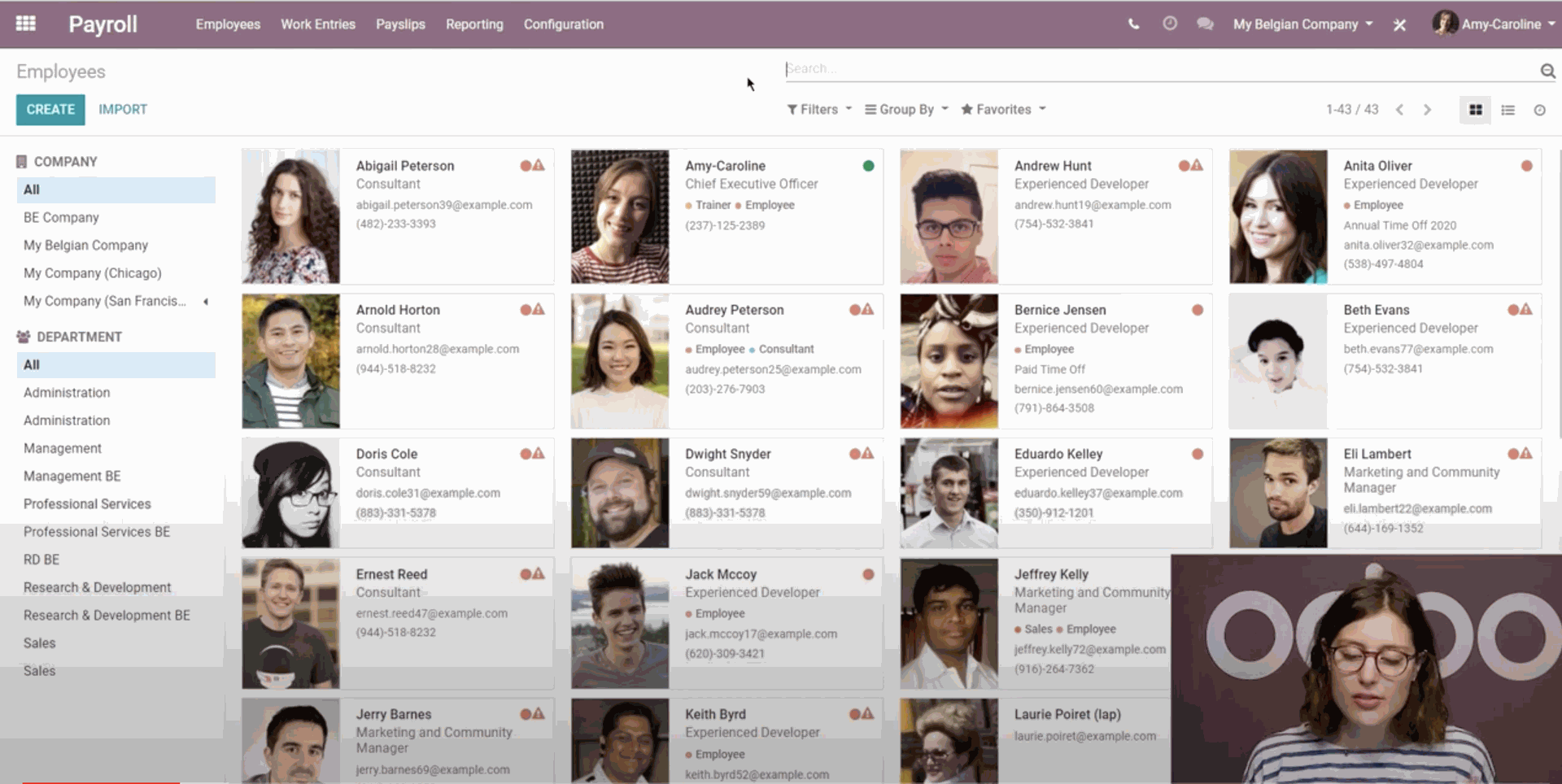
Payroll works in conjunction with other Odoo apps, such as Employees, Time Off, Attendances, and Planning.
The Payroll app helps ensure there are no issues or conflicts when validating work entries. It
also handles country-specific localizations to ensure payslips follow local rules and taxes, and
allows for salary assignments.
Contracts
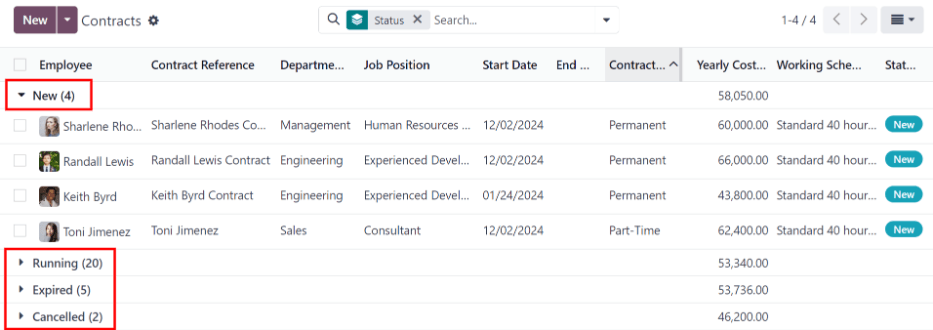
Every employee in Odoo is required to have a contract in order to be paid. A contract outlines the
terms of an employee’s position, their compensation, working hours, and any other details about
their position.
Work entries
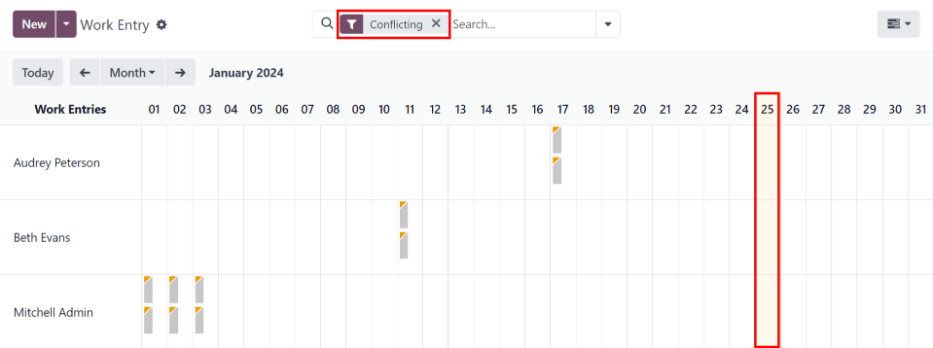
Work entries are created automatically in the Payroll app, based on the employee’s salary structure type, and from the Planning, Attendances, and Time Off applications.
The Work Entries dashboard of the Payroll application provides a visual overview of the
individual work entries for every employee.
Payslips
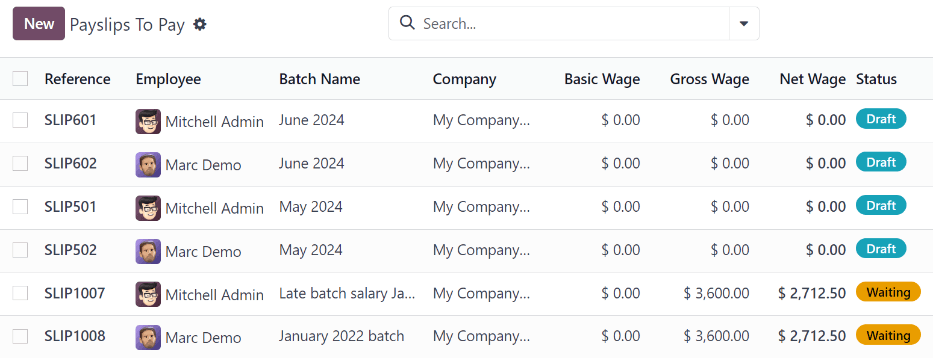
Payslips are created either by the employees themselves or their managers, and are approved by
authorized employees (typically managers). Then, once payslips are approved, employees are issued
payslips and are paid either by check or direct deposit, depending on how their employee profile is
configured.

Reporting
The Reporting section of the Payroll app offers a variety of reports to choose from, organized by location.
The Payroll report, Work Entry Analysis report, and Salary Attachment Report are default
reports in the Payroll app, and are available for all companies, regardless of location.