Knowledge is power
Odoo Knowledge lets you centralize all your organization’s important information, work on it as a team, and access it from any Odoo app.
Build any page,
communicate any idea
Powerful text editor. Type the `/` shortcut to present your content in its best form, and integrate dynamic data from all your business apps.
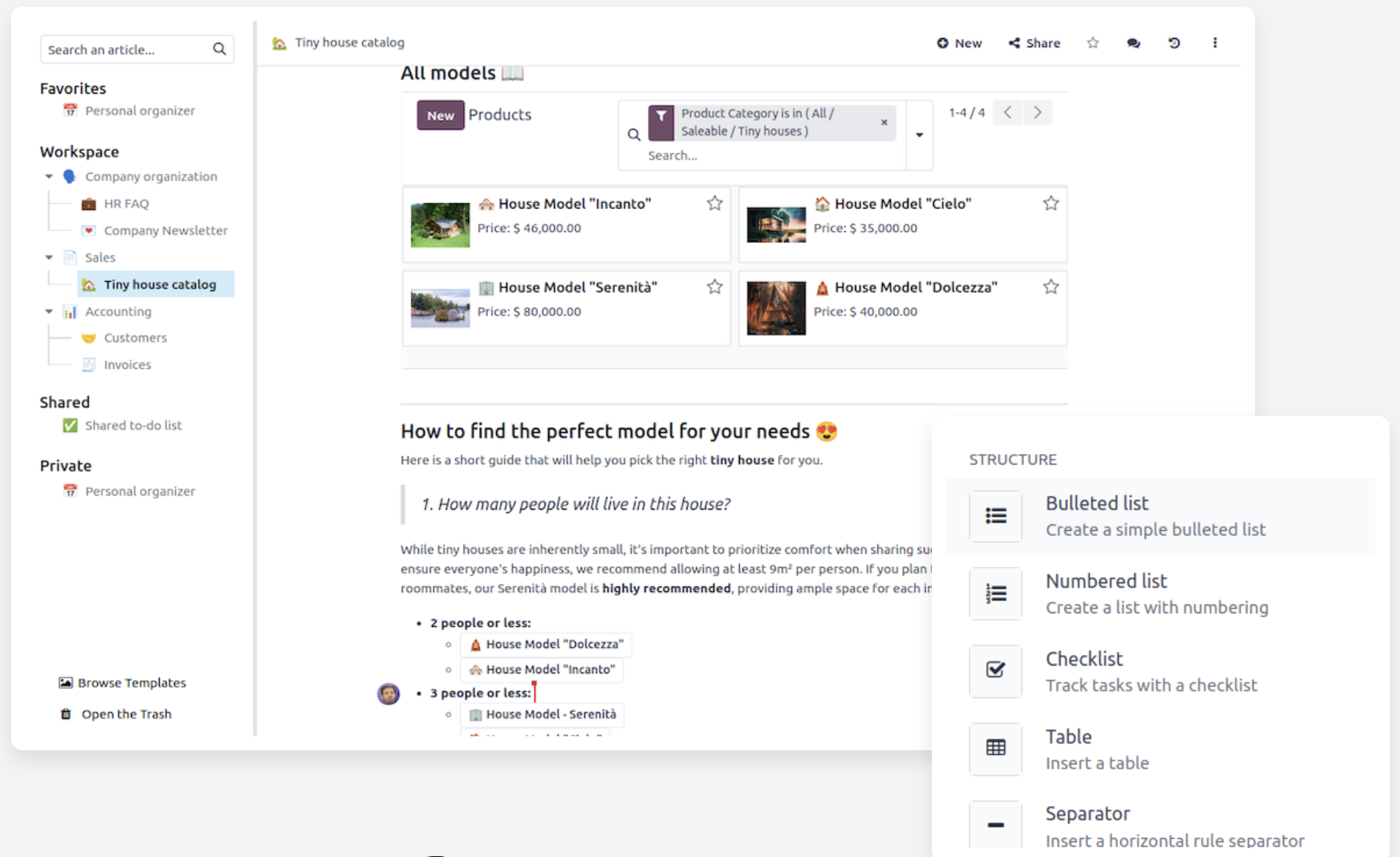
Endless ways to structure your info
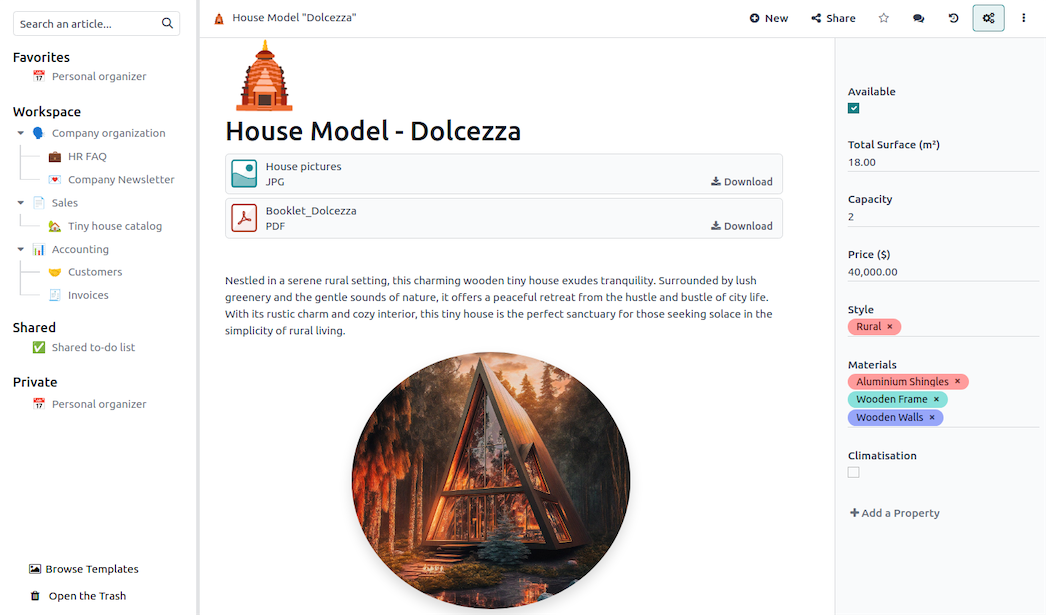
Flexible data organization. Sort your content with custom fields, and navigate through it with perzonalized views and filters.
Who gets access?
You decide!
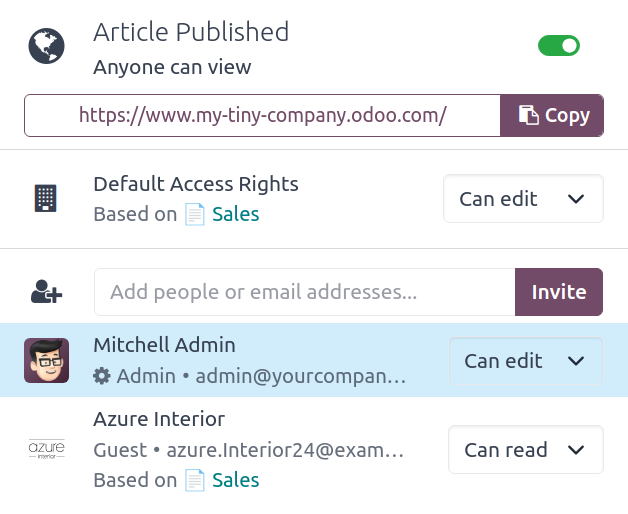
Manage access rights. Choose who gets to see and manage your content. You can even share the page with the world.
Knowledge at your fingertips
Integrate your knowledge base across all your business apps. Insert pre-written content to instantly communicate with your customers, answer helpdesk tickets, describe new project tasks, and much more!

All the features done right.
Manage invoices
Shortcuts
Use shortcuts to get the most out of the text editor. Type / and see all the features offered by the editors.
Collaborate with your team
Work simultaneously on an article and improve your knowledge base together.
Powerful text editor
Start typing, then use Odoo's editor to format your text any way you like.
Items lists
Choose among many formats (item list, item kanban, item cards, item calendar) to personalize your page.
Clipboards
Create a /clipboard text block that you can easily insert as a message, as terms & conditions, or as a description in Project, CRM, Sales…
Autosave and revision history
Never lose your past and current work.
Export as pdf
Download the view and information you need.
Create articles
Choose the article format, and write and share all the information the way you want by adding cover pictures and many more editing tools.
Images
Get access to plenty of royalty-free images through the integrated Unsplash image library.
Content from other apps
Knowledge allows to retrieve content views from other apps.
Sharing
You can share articles with internal or external users and select editing accesses.
Sharing online
You can generate a URL link so everyone can view the article.
Categories
You can create your own categories and divide your content the way you prefer.
Properties
You can personalize your knowledge base with properties. The property fields are shared between child articles.